Privacy 5 min read
A Small House With Good Locks
Privacy and safety for a quiet digital life, from the family laptop to the code you write
Listen · 5 min
Download for later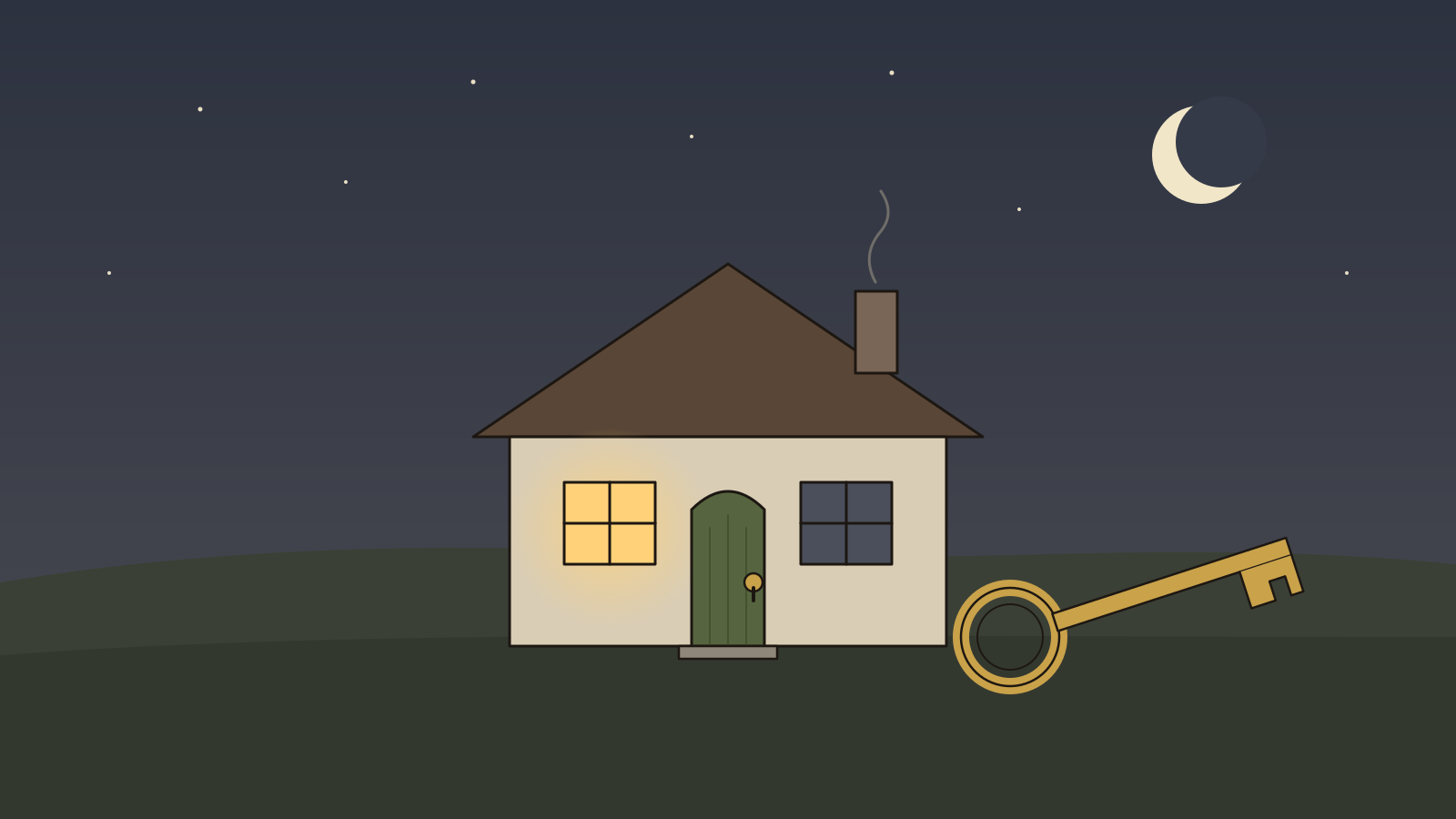
Most of what we’re told about online safety arrives as a mood: dread. Hackers in hoodies, leaked passwords, a list of forty things you’re doing wrong. The usual result is that people do none of them, because the list is too long and the fear is too vague.
There’s a calmer way to think about it, and it fits a minimalist life rather well. Picture your digital life as a house. Not a mansion with a hundred rooms, half of them unlocked and forgotten, but a small cottage. A few rooms you actually use. Good locks on the doors. A spare key kept somewhere sensible. And the quiet confidence that comes from knowing exactly what is inside.
First, decide what you’re protecting
Security people have a habit worth borrowing, called threat modelling. It sounds technical. It’s really just a handful of honest questions. The Electronic Frontier Foundation’s guide to personal security puts them plainly:
- What do I want to protect?
- Who do I want to protect it from?
- How bad would it be if I failed?
- How likely is it that I’ll need to?
- How much trouble am I willing to go through?
- Who are my allies?
For most families, the answers are not dramatic. What you want to protect is your email, your bank, your photos and your children’s details. Who from? Mostly not a spy agency, but an ordinary criminal sending ten million phishing emails, hoping a few land. How bad? Losing your email account can be very bad, because it’s the master key to almost everything else. How likely? Likely enough to be worth an evening.
Notice what this does. It turns a cloud of fear into a short, specific plan.
The four locks that matter most
Britain’s National Cyber Security Centre has spent years boiling its advice for households down to a few actions. They aren’t glamorous. They work.
- A strong, separate password for your email. Email is the front door: reset links for every other account land there. Give it a password you use nowhere else. The NCSC suggests joining three random words, which turns out to be both memorable and hard to guess.
- A password manager for everything else. No one can remember a hundred unique passwords, and no one should try. Let a password manager hold them, so each account has its own key and one break-in doesn’t open every door.
- Two-step verification. A second check, a code or a prompt on your phone, means a stolen password alone isn’t enough. Turn it on for email first, then banking, then anything else important. Where a site offers passkeys, they’re better still.
- Updates and backups. Install updates when they arrive; most of them quietly fix holes someone has already found. And keep a backup of the things you’d grieve to lose, especially photos, somewhere that isn’t the device itself.
That’s most of it. Four locks, fitted once, protect you from the overwhelming majority of what actually happens to ordinary people.
The safest room in the house is the one that was never built. The safest data is the data that doesn’t exist.
Fewer rooms
Here’s where privacy and minimalism turn out to be the same idea.
Every account you’ve ever opened is a room in your house. Most of them you’ve forgotten: a shop from 2014, a forum, a free trial. They still hold your email address, maybe an old password, maybe your address. When one of those companies is breached, and many are, the room you forgot about becomes the window someone climbs through.
So, alongside the locks, do a little death cleaning of your digital house:
- Close old accounts you no longer use. Your password manager, or a search of your inbox for “welcome to”, will show you a surprising list.
- Give less away. When a form asks for your birthday or phone number and doesn’t need it, leave it blank. Data you never handed over can never leak.
- Prune app permissions. Your phone will tell you which apps can see your location, contacts and photos. Most don’t need to.
- Be slower with photos of children. A picture shared with a few family members in a private album is a very different thing from one posted publicly, forever.
For those of us who build software
If you write code for a living, there’s one more room in the house: the one other people live in. Every system we build is somebody else’s digital home.
The same quiet principles apply, and they make for better software, not just safer software:
- Collect less. Every field you store is a field you must protect forever. If you don’t need a date of birth, don’t ask for one. The cheapest data to secure is data you never collected.
- Delete on a schedule. Logs, old sessions, abandoned accounts. Decide how long things live, and let them go.
- Keep secrets out of code. Keys and passwords belong in environment variables or a secrets manager, never in the repository.
- Choose boring, well-trodden tools for anything security-related. Use the framework’s built-in protections rather than inventing your own.
There’s a satisfying symmetry in this. A minimalist app, with few features, little stored data and a small surface, is also a secure app.
An evening to make the house safe
If you want to do this properly, it fits in one quiet evening, a pot of tea at your elbow:
- Change your email password to three random words you use nowhere else.
- Turn on two-step verification for email and your bank.
- Install a password manager and let it start collecting passwords as you go.
- Check that your phone and laptop are set to update automatically.
- Make sure your photos are backed up somewhere besides the phone.
- Close three old accounts you no longer need.
Then close the laptop. The house is small, the doors are locked, and you know what’s inside. That’s what peace of mind looks like, digitally: not a fortress, just a well-kept home.
Sources
- Electronic Frontier Foundation, Your Security Plan, Surveillance Self-Defense
- National Cyber Security Centre, Cyber Aware